🐧
Linux
Multi-distribution support
Linux_v1.0.0
Getting Started
Welcome to OffDrop for Linux! Follow these steps to get started: Documentation
Installation and Setup
To install and use follow these steps:
- Download the latest release from github
- Run the Installer.
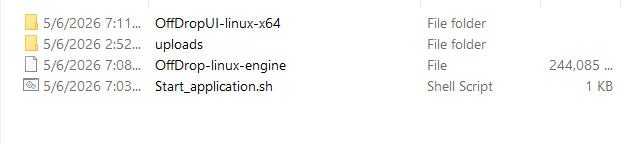
- Go to the downloads directory then unzip the folder.
- Run the application from the unzipped folder.
Running the Application
To successfully start using the application, follow these steps:
- Double click the start_application.sh file.
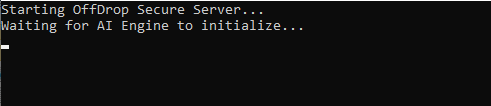
- Wait for it to Initialize..
- Once initialized, the application will be ready for use.
Supported Distributions
- • Ubuntu 20.04 LTS+
- • Debian 11+
- • Fedora 35+
- • CentOS 8+
- • Arch Linux
- • openSUSE Leap